FDIC-Insured - Backed by the full faith and credit of the U.S. Government
  Locations
 Search
Leave the Card. Keep the Security.
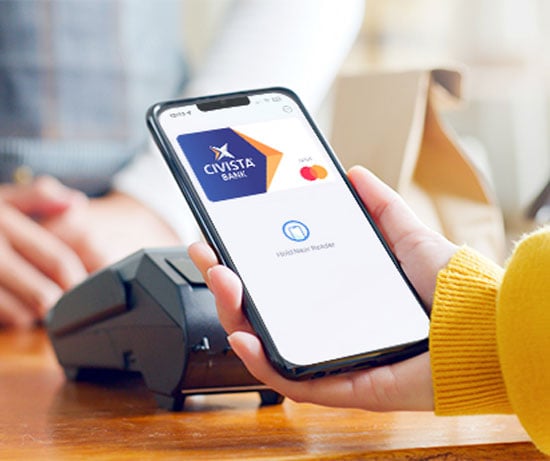
Civista debit cards can be added to Apple Wallet, Google Wallet, and Samsung Wallet. By using digital payments, you keep all your security protections and card benefits, with the added convenience of paying without a physical card.
Learn how to link your debit card to each provider, or explore additional program details, at the links below.


Civista Mobile Banking
Download the Civista Mobile App to manage your cards, view transactions, and control your digital experience wherever you go.
Go Mobile

Protection That Goes Where You Go
Every digital wallet transaction is backed by Civista’s card controls, alerts, and FraudEYE protection helping you spot suspicious activity quickly and take action with confidence.